




Free Shipping Bar Attributes


in stock
In stock
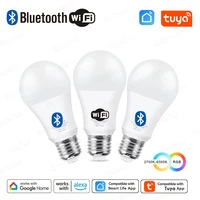
Tuya E27 Led Lamp App Control Bluetooth /WiFi
41 sold in last 7 hours
Price range: $10,08 through $14,05
75peoples are viewing this right now

Estimate delivery times: 7-14 days International.

Free shipping & returns: On all orders over $28.

Use code "WELCOME15" for discount 15% on your first order.
Guarantee Safe Checkout:

Description
Description
- Power Source: AC
- Luminous Flux: 249-2000
- High-concerned chemical: None
- Area: 3-8㎡
- Is Smart Device: Yes
- Model Number: XLD-WIFIBLE-A19
- Luminous Flux: 500 – 999 Lumens
- Color Temperature: 2700K~6500K
- Occasion: LIVING ROOM
- Power Tolerance: 3%
- LED Chip Brand: Epistar
- Shape: Globe
- Beam Angle(°): 270°
- Origin: Mainland China
- Item Type: LED bulbs
- Brand Name: Excellux
- Led Bulb Type: Bubble Ball Bulb
- Certification: ce,ROHS
- Average Life (hrs): 35000
- LED Chip Model: 2835
- Base Type: E27
- Voltage: AC220V/AC 85-265V optional
NOTE
1.Bluetooth Lamps: can not connect to Alexa, can not connect to Google Home.It can not connect to any voice assistant.
2.WIFI Lamps: can connect to Alexa, can connect to Google Home.
3. AC 220-240V Voltage:(For RU ,EU ,UK,AU 220V countries), not AC 110-130V. Not applicable in Japan/North America countries.
4.AC 85-265V : Compatible with all countries all around the world;
Specification
Product name: Tuya E27 Smart Led Light bulb
Wireless connection : Bluetooth /WiFi 2.4Ghz
Socket Type: E27
Wattage : 15W (=RGB + Warm White + Cold White)
Color temperature: RGB + Warm White + Cold White
Voltage: AC220V-240V / AC 85-265V optional
APP Name:Tuya Smart /Smart Life
Features
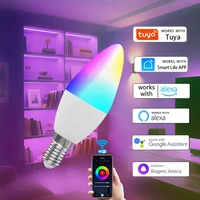
1) APP remote control: Tuya Smart APP/Smart Life APP can be used to remotely control the bulb on and off. change the light color, the brightness.etc,
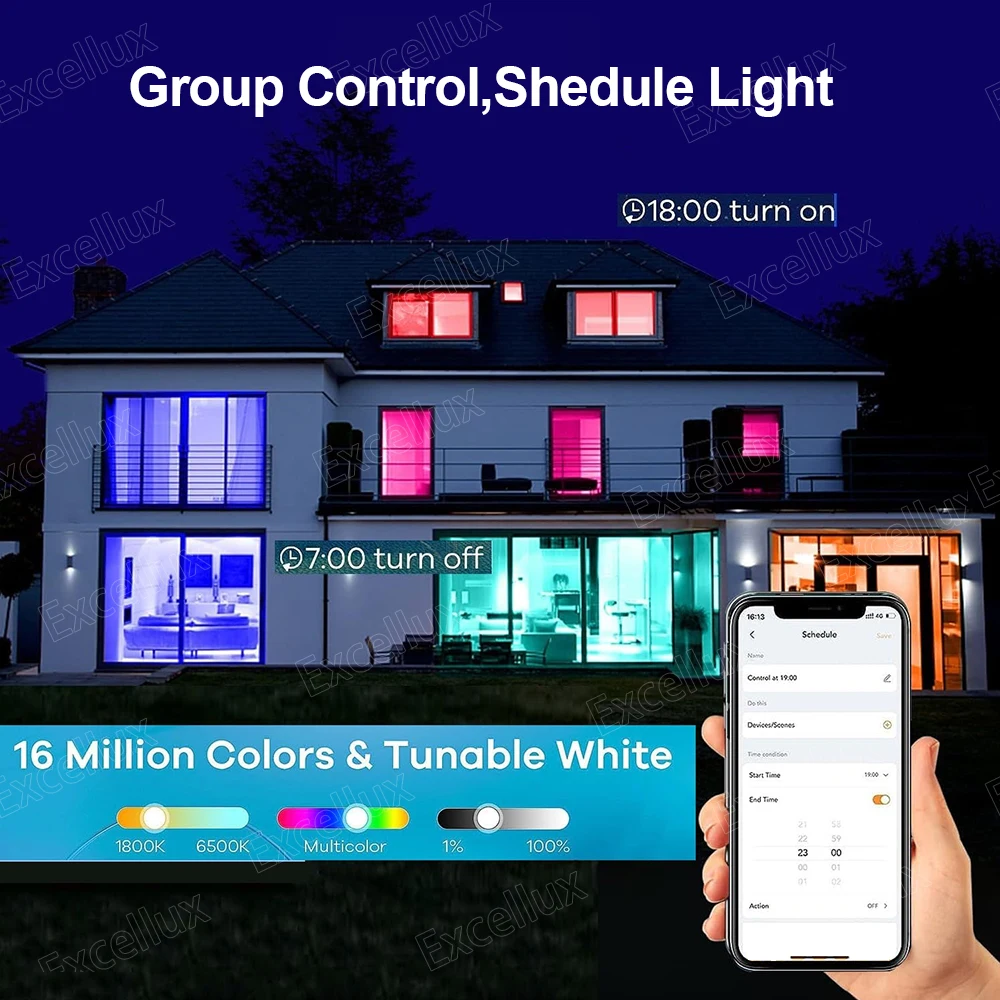
2)Timing: The Candle Lamps is automatically turned on and off at a given time through the timer function.
3) Share function: Can be shared with family members.
4) Colorful: 16 million colors for you to choose and make your life colorful. Adjust the color temperature from 2700-6500K, make the light you want.
5) Music Sync: The lighting brightness can be changed in sync with the beat of your favorite music, creating a relaxing and calm atmosphere. Change any room to a dance floor, or create a relaxed and peaceful atmosphere. Such as living room, kitchen, bedroom and so on.
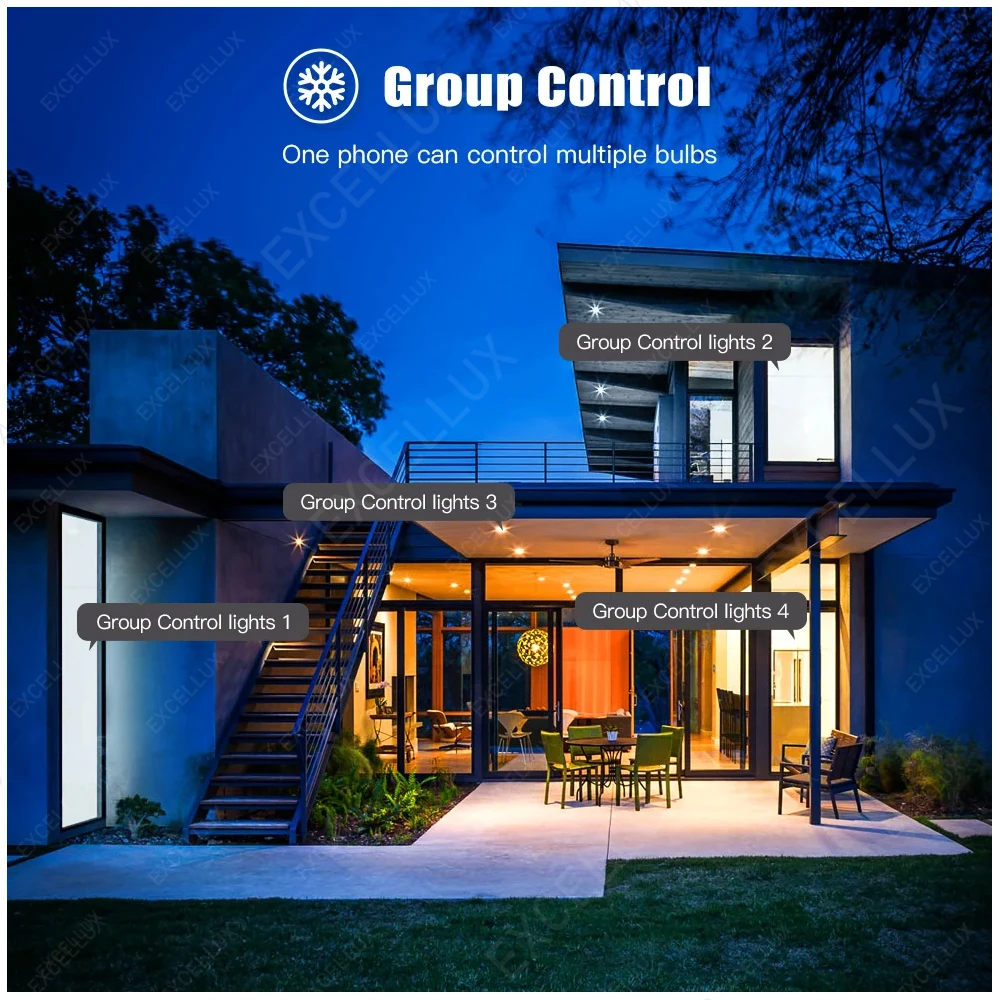
6) Group Control: Control all lights simultaneously by creating groups and adding your lights to your group
How to connect with smart life APP?
Before add new device on app ,must allow smart life app to access bluetooth ,wifi ,location network ;please set it before you use the bulb ;
1. Download the Smart Life app, register an account and login
2. Click “+” in the upper right corner – Add Manually – Lighting -Lighting source;
3. Turn on the switch 3 times: on-off-on-off-on until it’s flashed quickly
4. Click “confirm light blinks rapidly” and then input the correct WiFi password (2.4Ghz WiFi) /Bluetooth
5. Within 30 seconds, it will be connected



Free returns within 30 days
Unlimited delivery for only $75
Customer Reviews
Related products
-
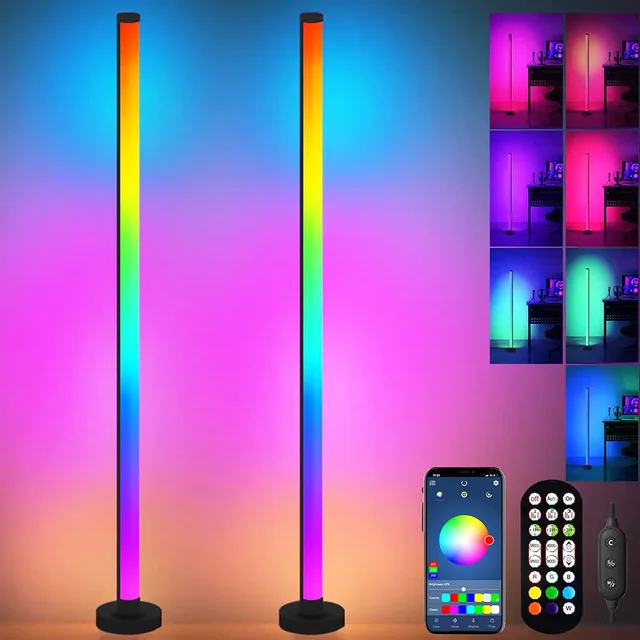
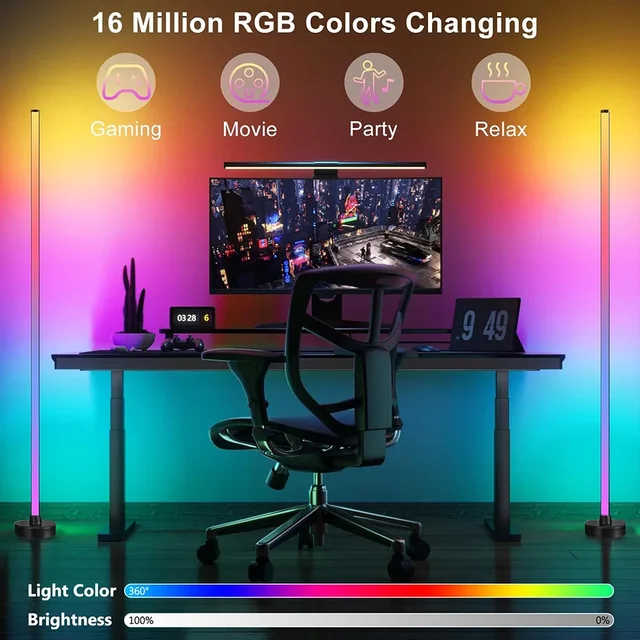
Smart LED Floor Lamp RGB Remote & APP
Price range: $40,46 through $74,62 -
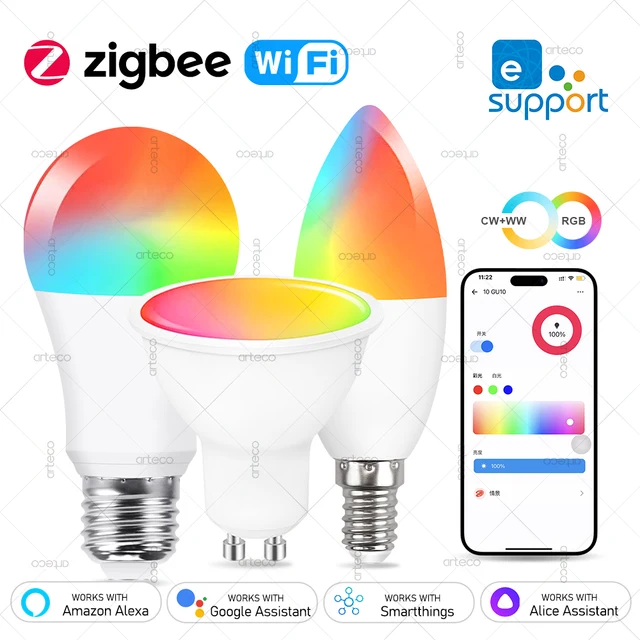
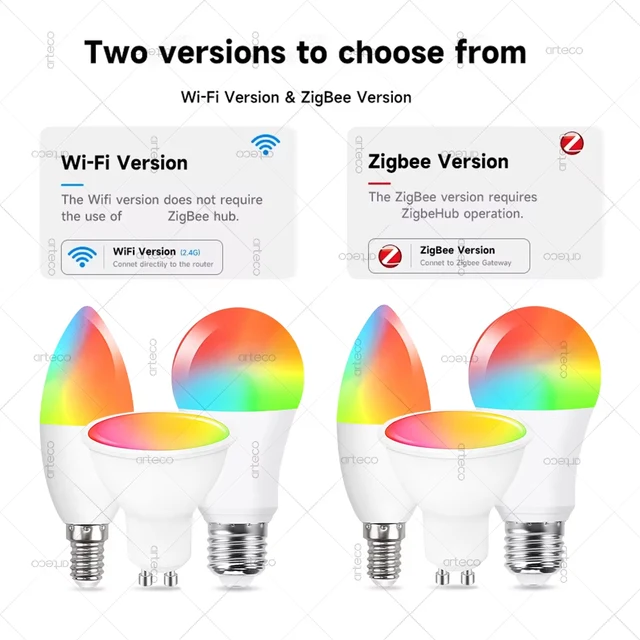
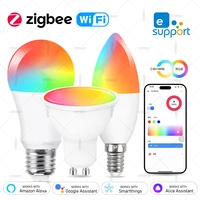
EWelink E27 E14 GU10 Smart Bulb WiFi Zigbee,Dimmable
Price range: $13,11 through $15,00 -
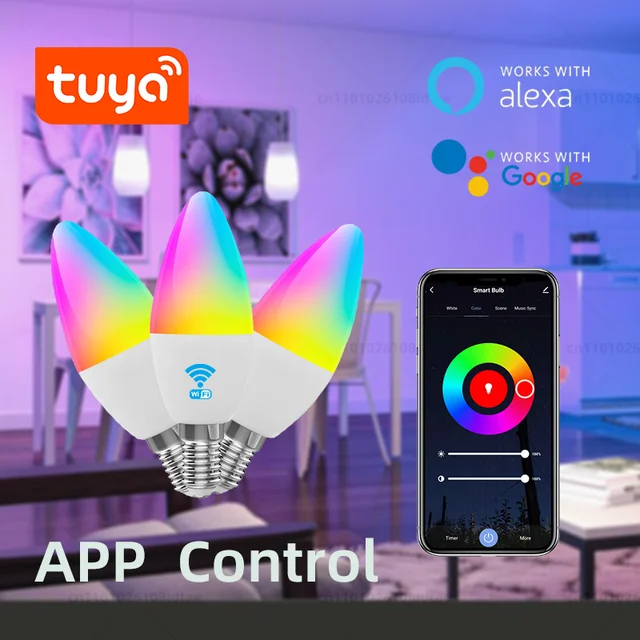
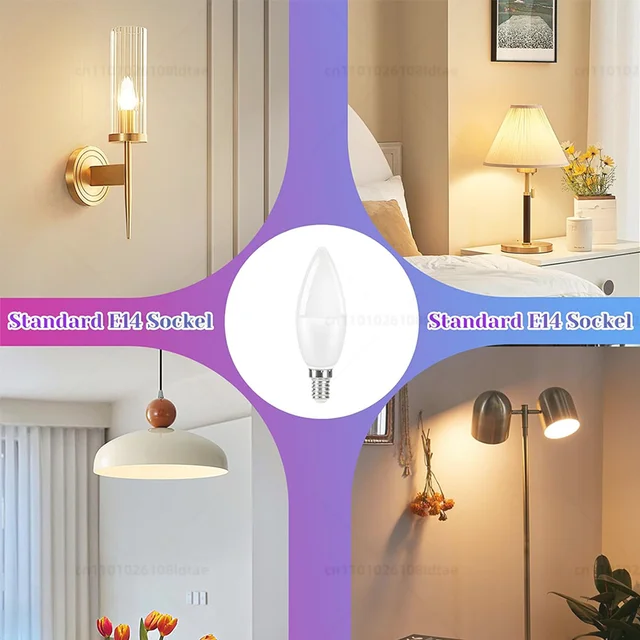
Tuya WiFi Smart LED Bulb E14 Candle Light
Price range: $15,33 through $17,06 -
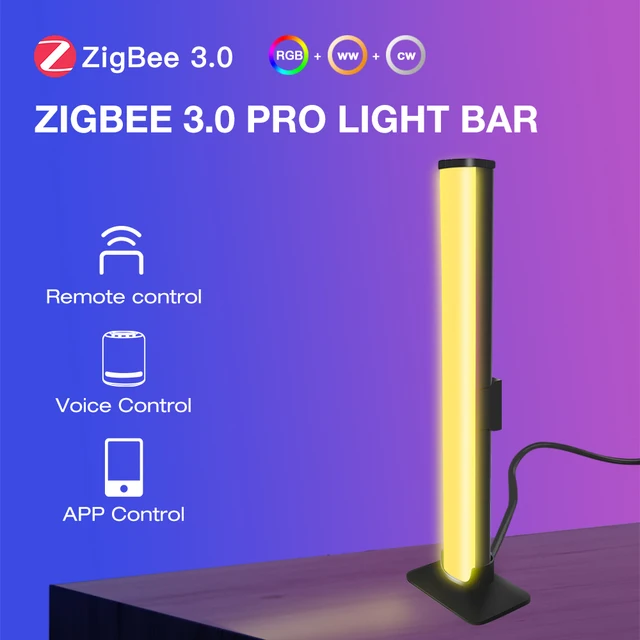
5V USB Zigbee 3.0 RGB+CCT LED Lamp Bar
Price range: $34,86 through $115,72 -
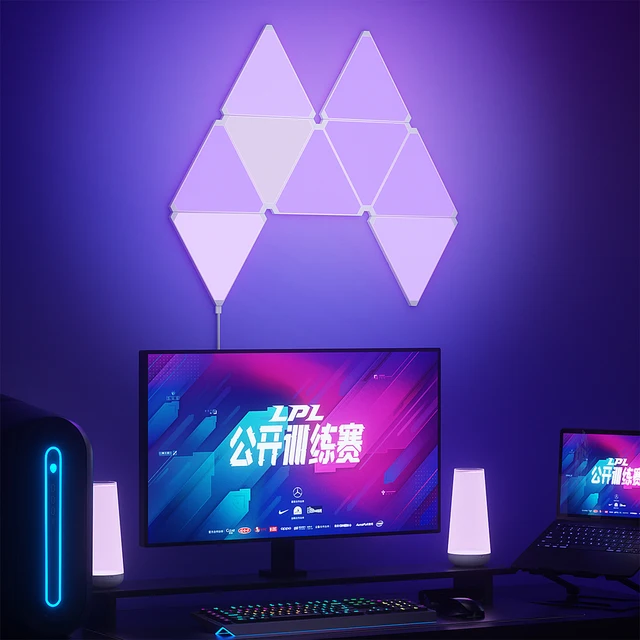
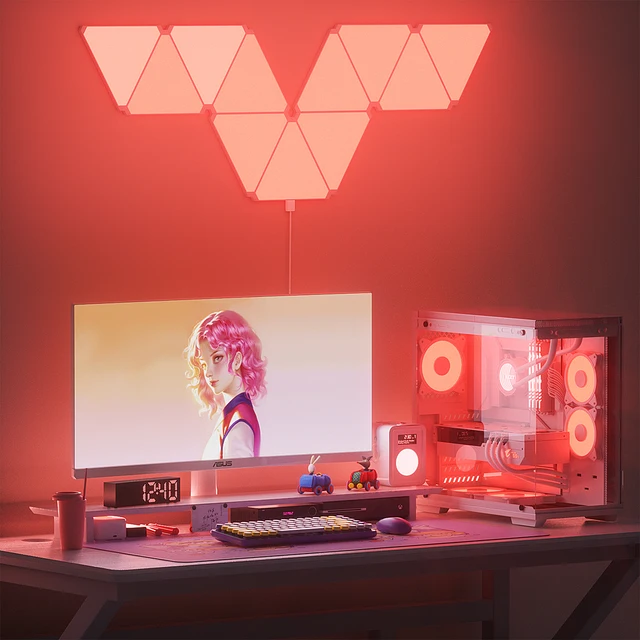
Super Thin LED Triangle Lamps Indoor RGB Quantum
Price range: $32,20 through $133,40 -


Tuya Smart WiFi Bluetooth LED Ceiling Light AC85-265V
Price range: $38,16 through $39,53 -
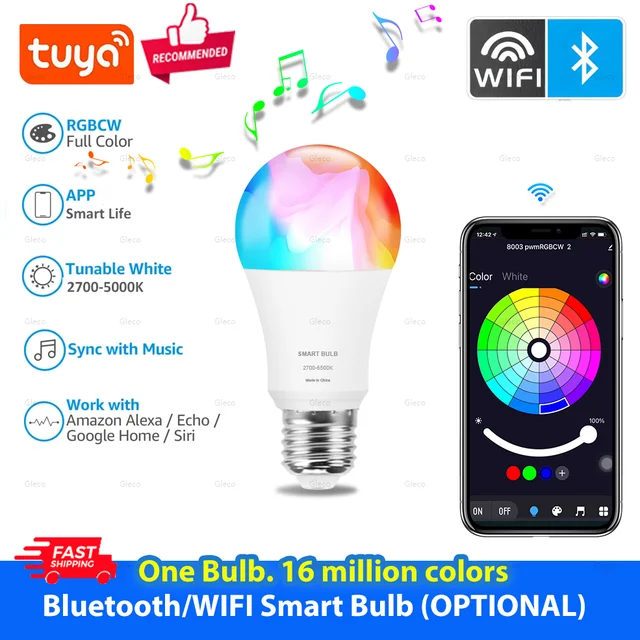
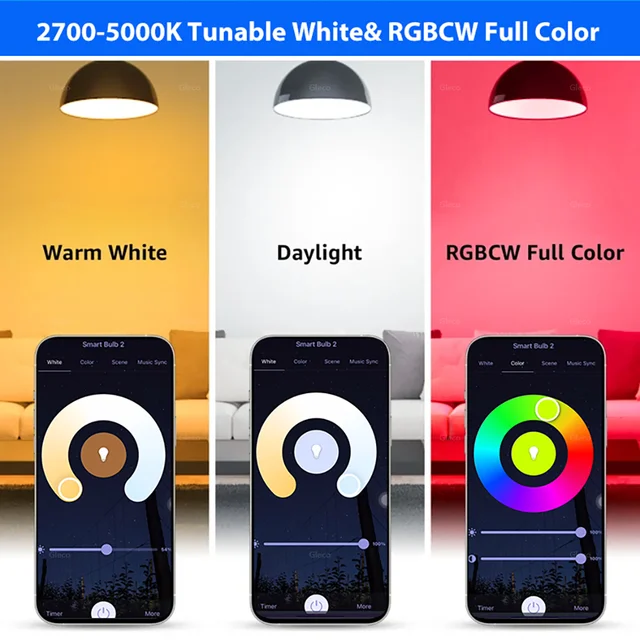
Tuya Smart LED Light Bulbs WiFi Bluetooth RGBCW
Price range: $5,74 through $26,95 -


Dimmable Tuya Rgb Smart Bulb Gu10 C37 A60
Price range: $12,99 through $14,86 -
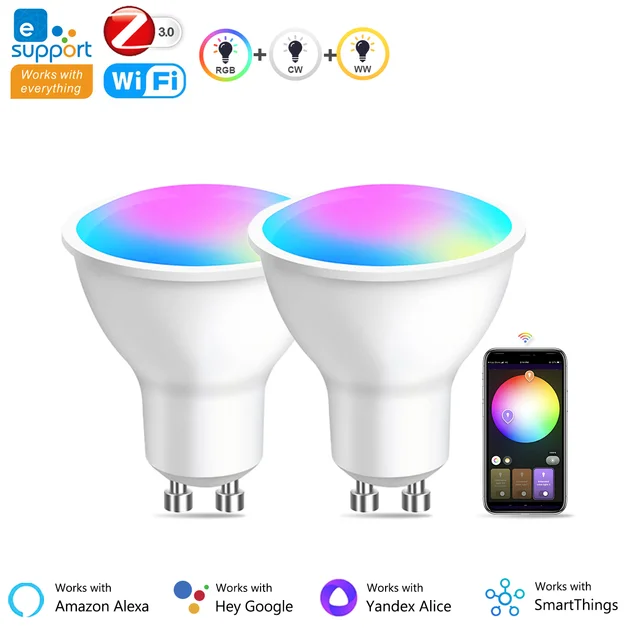
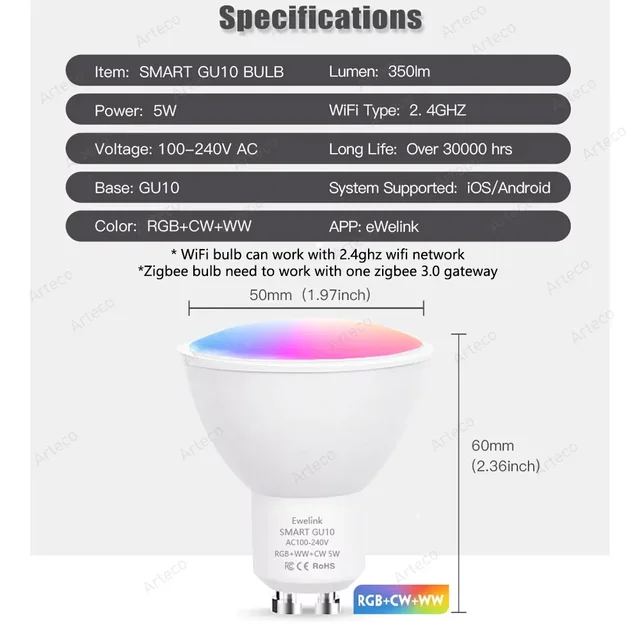
GU10 Zigbee/Wifi Led Light Bulb RGB CW WW
Price range: $12,47 through $13,01 -
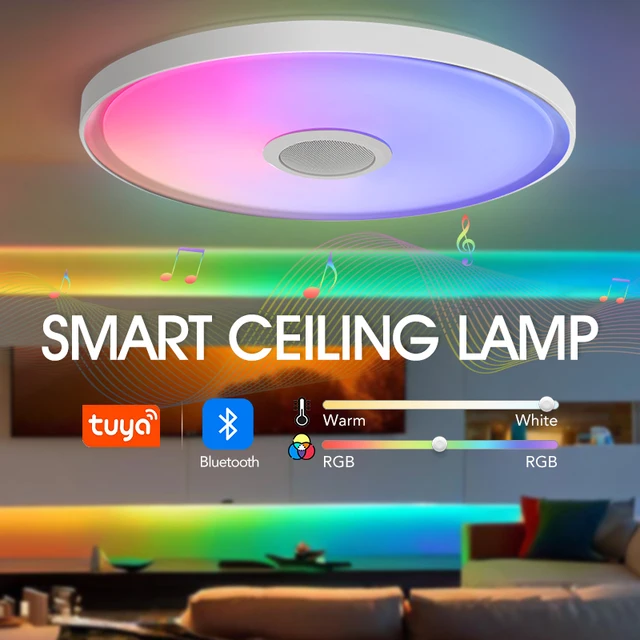
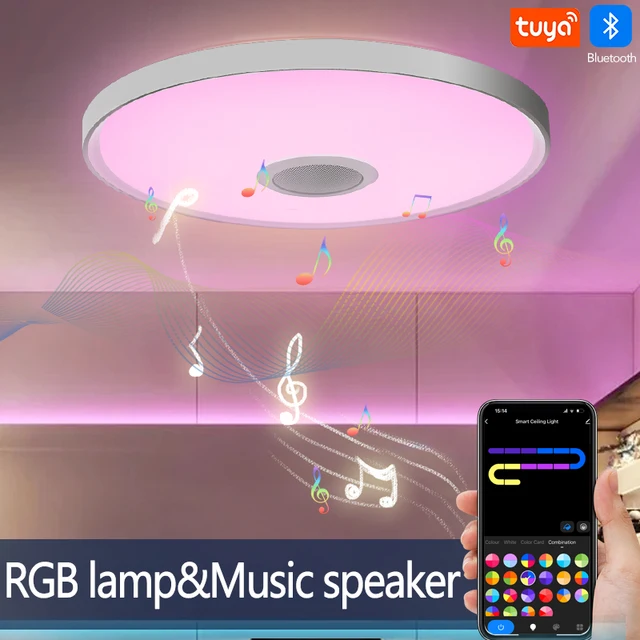
LED Smart Ceiling Lamps RGB APP Remote Control
Price range: $35,33 through $57,21